




Get a FREE Vape
Sign up to get a FREE welcome vape on your first order when you buy 4 or more products.


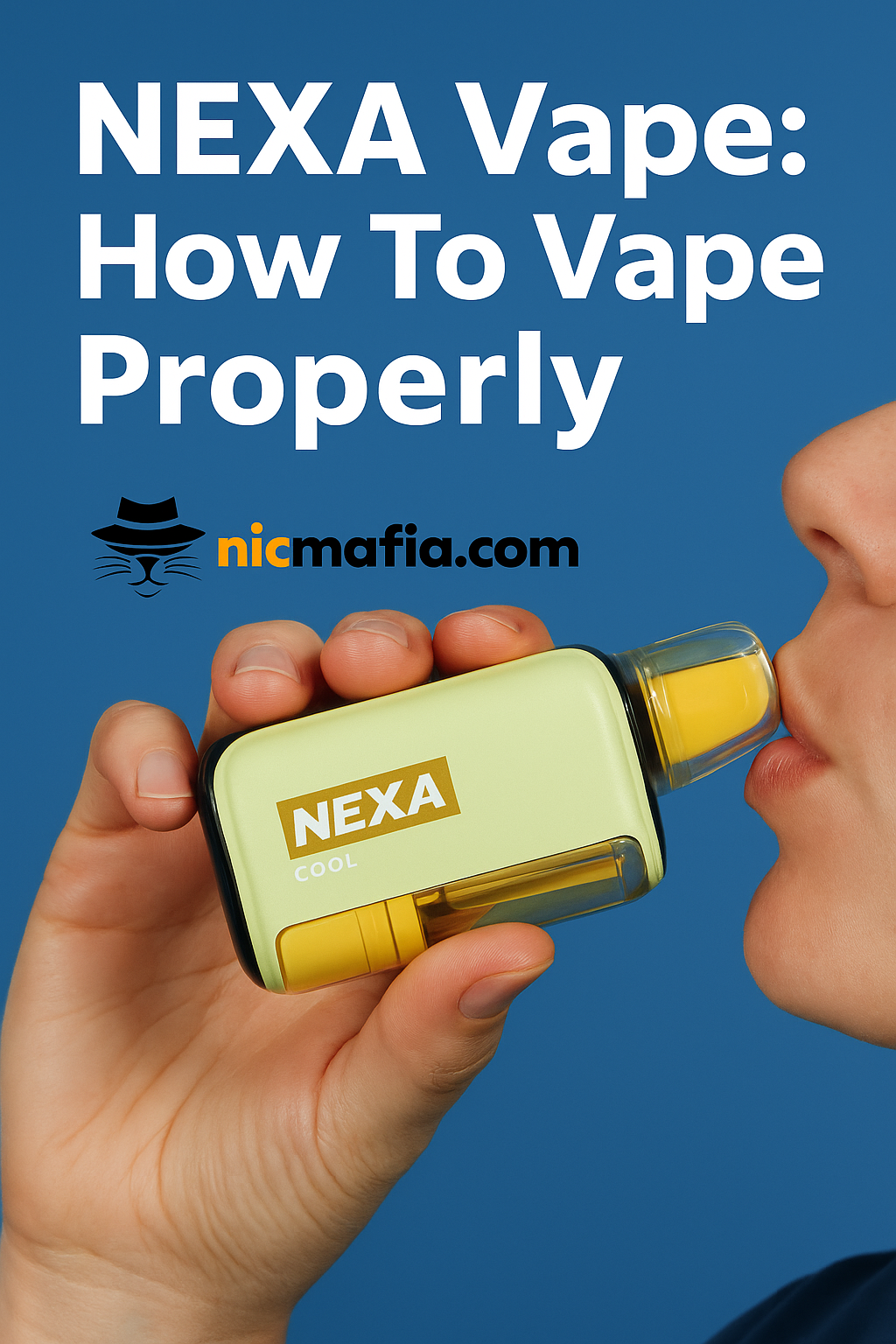
Vaping with a NEXA vape is incredibly simple thanks to its user-friendly design, draw-activated operation, and responsive power modes. Whether you're using NEXA Ultra, NEXA Pix, or any of the newer Invisacloud editions, the way you inhale and control airflow affects flavor, vapor production, and battery life more than most people realize.
Understanding how these disposable vapes work helps you get smoother hits, avoid burnt taste, and enjoy consistent flavor all the way down to the final puffs.
Setting up your NEXA disposable vape
There’s no complicated setup. No buttons. No menus. No learning curve.
A NEXA device comes prefilled, precharged, and sealed with protective components that ensure optimal performance right out of the box. Just remove the bottom sticker and airflow seal, check your e-liquid level through the crystal tank, and you’re ready to start vaping.
The draw-activated operation means the device automatically activates when you inhale gently. No pressing, clicking, or adjusting voltage manually.
How auto-draw works
NEXA vapes are engineered to activate instantly when you simply inhale. This auto-draw mechanism detects airflow passing through the heating element and powers the coil.
A gentle inhale triggers smooth vapor production.
A harder inhale produces a stronger hit and warmer vapor.
This makes the device extremely easy for beginners while still offering enough flexibility for seasoned vapers who prefer a stronger hit or tighter airflow.
If the airflow ever feels blocked or the device isn’t activating properly, the quick steps shown in
this open/disassembly reference
help identify whether the airflow slider or seals are misaligned.
===ARTICLE_CTA===
How to switch between modes
Most NEXA models include two power modes:
Normal Mode
-
Better battery life
-
Cooler vapor
-
Higher puff count
-
Great for longer vaping sessions
-
Best for sweet and lighter flavors like Strawberry Ice or Mango Oasis
Turbo Mode
-
Warmer vapor
-
Amplified flavor intensity
-
Denser clouds
-
Uses e-liquid faster
-
Ideal for Sour Apple Ice, Blue Razz Ice, or any icy blend
Turbo Mode delivers richer flavor, but naturally drains the battery faster and reduces puff count.
For users who love switching performance levels mid-session, devices like the Pix series show your current mode on the display screen, along with battery percentage and e-liquid visibility.
LED/screen indicators
Depending on the model:
Light-only designs
A blinking LED typically means:
-
Low battery
-
Low e-liquid
-
Overheating
-
Or the coil reaching the end of its lifespan
HD screen / 3D curved display
These models show:
-
Battery percentage
-
E-liquid levels
-
Power mode
-
Puff count
-
Activation indicators
This interface gives you a premium feel and a lot more control over your vaping style.
If you ever need to understand what each indicator means or troubleshoot a weak hit, the breakdown in
this NEXA Pix performance review
covers the behavior of the display screen extremely well.
When to recharge or replace
Even though they are disposable vapes, most NEXA models include Type-C charging ports for extended use. You should recharge when:
-
Vapor becomes weak
-
Hits feel muted
-
LED/screen blinks
-
The device doesn’t activate on inhale
If flavor starts tasting burnt, if vapor production weakens even after a full charge, or if the e-liquid level looks low, it’s probably time to switch to a new device.
For users unsure whether a device is failing due to airflow issues or a drained pod compartment, this reference helps identify the difference:
how to remove a NEXA pod
And for confirmation on whether any NEXA unit is refillable (spoiler: no), this explains it clearly:
can you refill NEXA devices
NEXA Usage FAQs
How do I know when my NEXA is low on battery?
You’ll notice weaker vapor production, blinking LEDs, or battery percentage warnings on screen-based models.
Why is my NEXA hitting weak?
It could be the battery, airflow slider position, coil saturation, or low e-liquid. Try switching to Normal Mode for smoother performance.
Can beginners use NEXA easily?
Yes. The auto-draw system, dual power modes, and user-friendly design make it ideal for beginners and heavy vapers alike.
Do all NEXA vapes have Turbo Mode?
Most premium models like NEXA Pix and Ultra include Turbo Mode. Simpler disposables may only run in a single power curve.


