

Get a FREE Vape
Sign up to get a FREE welcome vape on your first order when you buy 4 or more products.


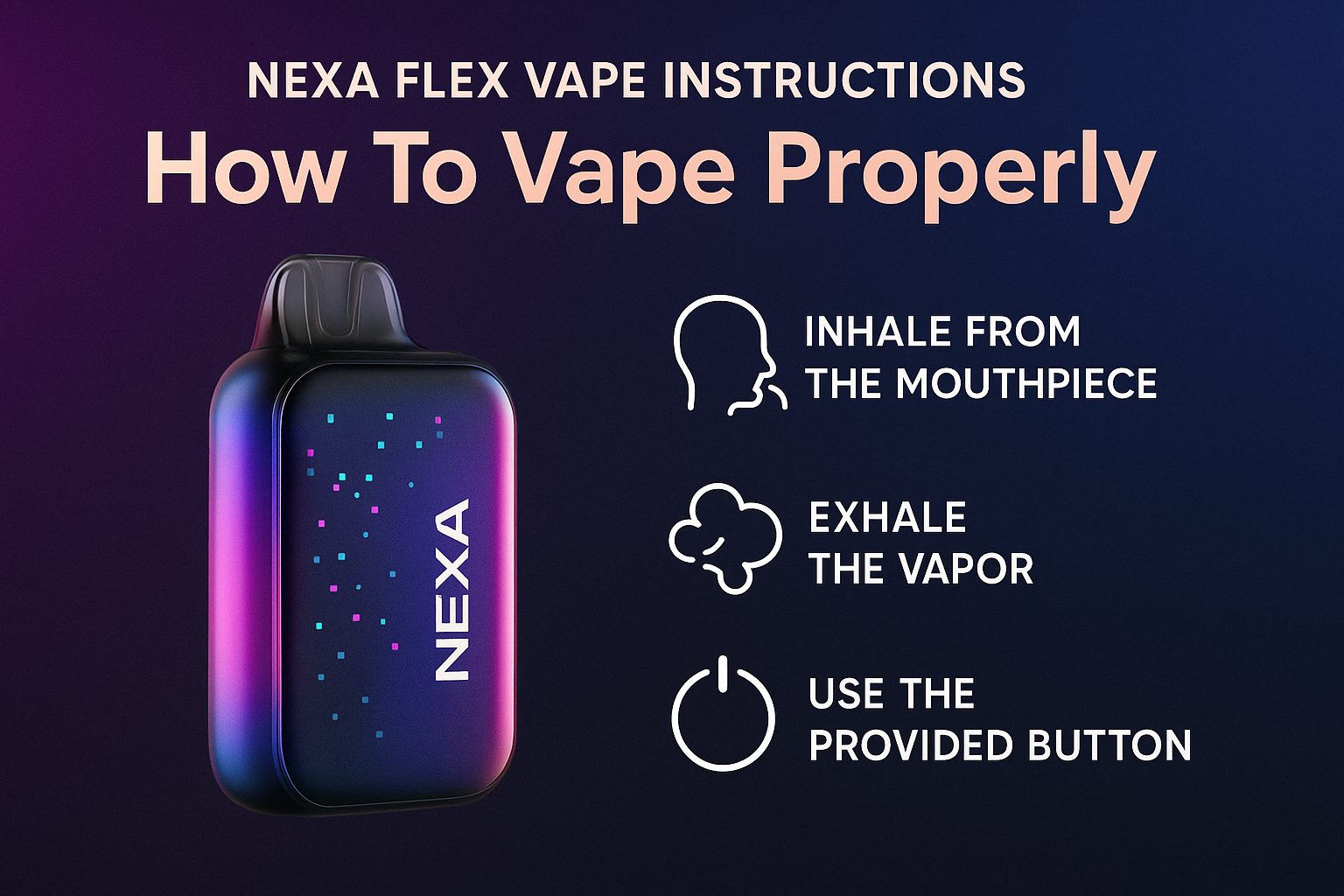
The NEXA Flex vape combines style, advanced features, and robust performance in a device that’s easy to use once you understand its two vaping modes, airflow system, and battery behavior. Whether you're using a flavor booster version, an Ice Master version, or the standard cool pod design, this guide gives you a clear step by step guide for perfect operation.
If you're new to the brand,
how to use NEXA vape
covers basic functions across all NEXA devices.
How to operate your NEXA Flex
Operating your NEXA Flex is simple once you know how the power modes and airflow slider work.
Steps:
-
Remove protective seals from the mouthpiece and base.
-
Check the visible pod to confirm the juice level.
-
Inhale to activate—the device is draw-activated.
-
Switch between Normal Mode and Turbo Mode using the button (depending on the pod type).
-
Adjust the airflow slider to fine tune your draw.
Normal mode gives smoother, cooler vapor while turbo mode boosts flavor and vapor production. This gives users more control compared to typical disposables.
For an overview of performance differences,
nexa vape is it good
explains how Flex compares to other models.
===ARTICLE_CTA===
LED/screen indicators
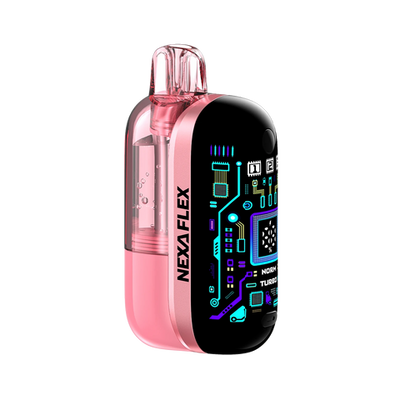
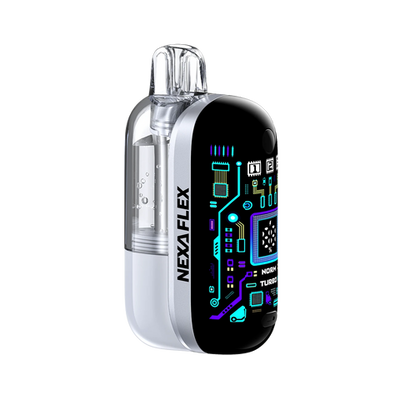
Some NEXA Flex pods include a small LED bar, while premium versions include an intelligent side screen with battery indicators and mode icons.
Common indicators:
• White/blue light – normal inhale
• Red flashing – low battery or weak hit
• Slow pulsing light – charging
• Solid white/blue – fully charged
• Rapid blinking – airflow blockage or dry hits
The screen-equipped versions display battery percentage, puff count, current mode, and error notifications for easier troubleshooting.
To compare UI behavior on other NEXA models,
nexa pix vape review
breaks down the differences between device screens.
Charging instructions
Charging the NEXA Flex is simple thanks to USB-C.
-
Plug into the USB-C charging port with the included cable.
-
A light or screen will indicate charging.
-
Most units reach full battery within 30–60 minutes.
-
Avoid overcharging; unplug once full to preserve battery life.
-
Never charge near liquids or extreme heat.
Battery life is strong and remains stable even for heavy vapers, thanks to the smart match platform adjusting output.
If you want more insight on puff longevity during charging cycles,
how many puffs does NEXA vape have
provides detailed expectations.
Troubleshooting
Weak hits, blinking LEDs, and airflow issues are the most common problems. Here’s how to fix them:
Weak hits
• Open the adjustable airflow
• Switch from normal to turbo mode
• Check the visible e liquid tank for low juice
• Warm the coil with a few light puffs
• Ensure protective stickers were removed
Blinking light
• Usually low battery—charge your device
• Could be airflow blockage; clear the airflow holes
• Avoid chain vaping, which can trigger dry hits
No vapor
• Confirm the pod system is fully seated
• Check if the device offers a flavor booster version—boost mode may be off
• Inspect airflow slider for blockages
For more detailed device troubleshooting,
how to open NEXA vape
shows how the internal structure works.
Flex performance tips
To get the best performance out of your NEXA Flex:
• Keep airflow slider halfway open for balanced vapor
• Use turbo mode sparingly to extend battery life
• Avoid long chain puffs to prevent dry hits
• Store the device upright to keep the pod system saturated
• Choose nicotine strength suited for your vaping style
• Monitor battery percentage and juice level regularly
The combination of dual vaping modes, visible pods, and dual mesh coils gives the Flex a smooth and satisfying experience across all flavors—Blue Razz Ice, Sour Apple Ice, Dragon Melon, and more.
If you want real-world impressions,
nexa flex review
offers user feedback on flavor and build quality.
-
===PRODUCT_7711421628458===
-
===PRODUCT_7711463047210===
-
===PRODUCT_7723632001066===
-
===PRODUCT_7711426478122===
NEXA Flex FAQs
How do I know if my Flex is fully charged?
A solid white or blue light indicates a full charge. On screen-equipped versions, the battery status will show 100%. Some versions also stop pulsing when fully charged.
Why is my Flex blinking?
Blinking usually means:
• low battery
• airflow blockage
• pod not seated correctly
• protective stickers still attached
Clearing airflow holes and recharging often fixes the issue.
How do I fix weak hits on a Flex?
• Switch to turbo mode
• Open the adjustable airflow
• Warm the coil with shorter puffs
• Check juice level
• Remove any debris blocking the pod system
For long-term flavor expectations,
can you refill NEXA vape
explains how sealed pods maintain consistent flavor throughout their lifespan.